Buyer's Guide
How to Choose HUNGER Cheats Without Guessing
Nov 16, 2026 · Updated Nov 24, 2026 · 4 min read
How to choose HUNGER cheats on PC: match the module list to expeditions, ignore safety slogans, and confirm Cloud DMA before you add utilities.
Choosing HUNGER cheats is mostly a matching problem. The game is an extraction RPG: you leave the Chateau, run an expedition, fight other players and hostile creatures, scavenge, and try to get back. A shop that describes a battle royale or an open-world action game is describing something else.
Match the list to the session
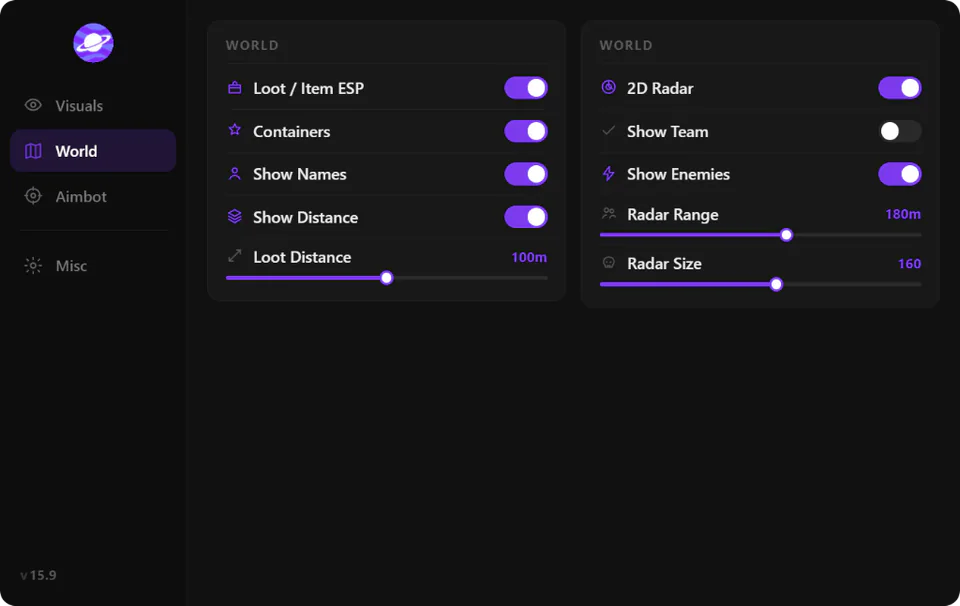
If you want aim assistance and overlays on one key, the product is Complete. It lists aimbot, player ESP, enemy ESP, item ESP, radar, object ESP, and the misc panel. There is not a smaller tier hiding under a different name.
If you only want to understand the sliders, read aimbot settings and ESP and radar before you pay. Those pages do not add features. They explain the ones already on the merchant list.
Ignore the slogan, read the requirement
“Undetected” is not a module. Neither is “safe for ranked” or “works on every patch.” The useful lines are Windows version, whether Cloud DMA is required, and which extra products the listing names. GREENWARD, Static Server, and AWS show up on the Cloud DMA page as separate required purchases. Static Server and AWS are not the same product.
Delivery and support
The loader should come from the portal after merchant checkout. Support should ask for your order email and Windows version, not for a password to your HUNGER account. The setup guide is the sequence. The account risk page is the part shops tend to bury.
If two listings look identical except for the adjectives, trust the one that shows the module groups and tells you to re-check status after a patch.
Questions about this guide
- What is the main HUNGER product on this site?
- Complete. It is the only main suite. Utilities are Cloud DMA, HWID Spoofer, and Skin Changer, each with its own listing.
- Should I buy every utility at once?
- No. Add Cloud DMA, the spoofer, or Skin Changer only when that listing matches your setup. Confirm required extras on checkout.
Keep reading
Utilities
Cloud DMA Software: The Single-PC Layer, Explained
What Cloud DMA software is on this site: a single-PC Hyper-V layer for HUNGER, not a second tower, with required extras sold separately.
Nov 23, 2026 4 min read
Read Cloud DMA guide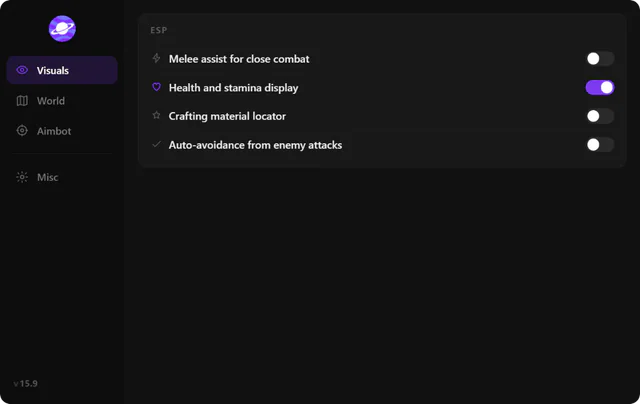
Buyer's Guide
HUNGER Cheat Buying Checklist: Modules, Status, and Delivery
A practical checklist for comparing HUNGER cheat listings: verify the module list, live status, portal delivery, and any separately required utilities.
Nov 22, 2026 4 min read
Read buyer guide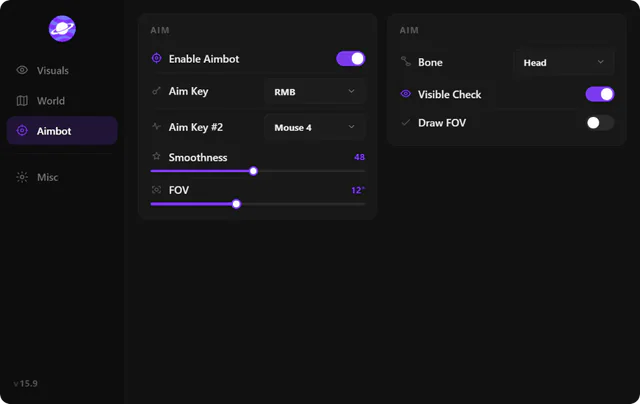
Settings
HUNGER Aimbot Settings: FOV, Smoothing, and Bones
How to tune HUNGER aimbot settings on PC: FOV, smoothing, bone selection, visibility checks, and a distance cap before a hard snap.
Nov 21, 2026 4 min read
Read settings guide