Setup
HUNGER Cheats Setup Guide for Windows 10 and 11
Nov 18, 2026 · Updated Nov 24, 2026 · 4 min read
How to set up HUNGER cheats on PC: check status, download the portal loader, load a conservative preset, then launch the game.
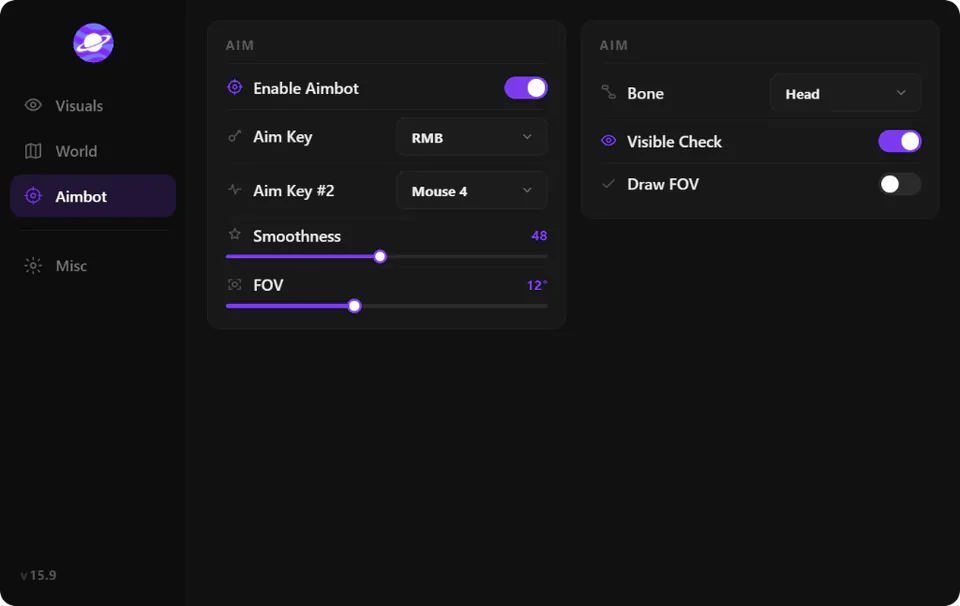
People searching for a HUNGER cheat download usually want the loader, not a public zip. On this site the file lives in the operator portal after you pay. If someone messages you a link, ignore it.
Check status first
The homepage banner and Discord #status are the first step. If the banner shows updating, testing, or offline, wait. Launching an old build after a HUNGER patch is how a session ends before you leave the Chateau.
Pay, then download from the portal
Buy from the product hub. Payment runs on the merchant page. When it clears, the portal unlocks the current loader, a short setup note, and config backup. That is the only download path this site lists. This site does not store card numbers.
Launch order
Start the loader after the HUNGER main menu exists, not on the splash screen. Borderless windowed is the launch mode people report as least fussy. Close extra overlays before you blame the menu key. The game itself needs to be patched. A loader cannot paper over an unfinished client update.
First preset
Enable a tight aimbot FOV and a short ESP range. Save that profile before you raise distance or turn on every visual layer. The aimbot and ESP guides explain why the first preset should be quiet.
Test in a low-stakes area. If the menu will not open, stop and read the troubleshooting guide instead of installing a second copy from somewhere else.
Questions about this guide
- Does the loader install into the HUNGER game folder?
- No. The loader is external. Do not drop files into the game directory.
- Which Windows versions are listed?
- Windows 10 and Windows 11, 64-bit, as listed on the merchant page. Console and macOS are not supported.
Keep reading

Utilities
Cloud DMA Software: The Single-PC Layer, Explained
What Cloud DMA software is on this site: a single-PC Hyper-V layer for HUNGER, not a second tower, with required extras sold separately.
Nov 23, 2026 4 min read
Read Cloud DMA guide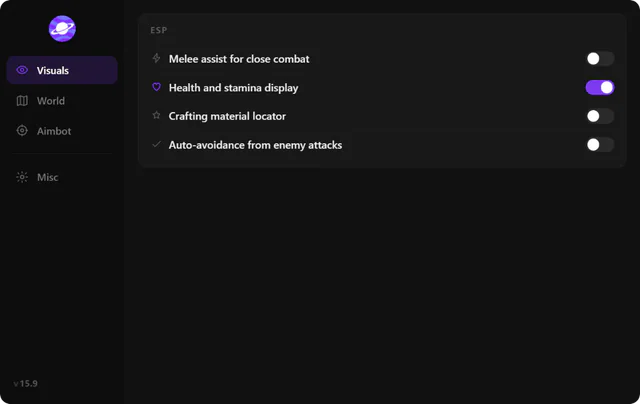
Buyer's Guide
HUNGER Cheat Buying Checklist: Modules, Status, and Delivery
A practical checklist for comparing HUNGER cheat listings: verify the module list, live status, portal delivery, and any separately required utilities.
Nov 22, 2026 4 min read
Read buyer guide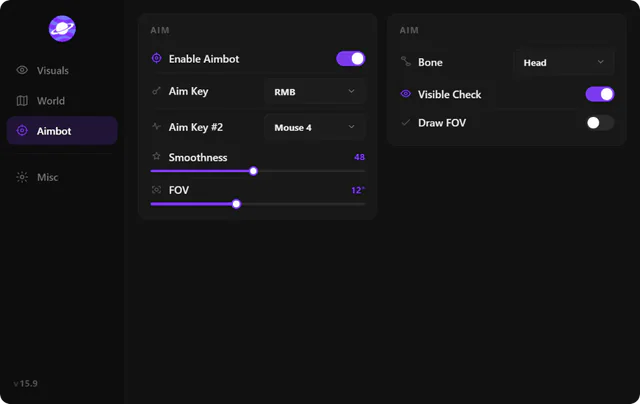
Settings
HUNGER Aimbot Settings: FOV, Smoothing, and Bones
How to tune HUNGER aimbot settings on PC: FOV, smoothing, bone selection, visibility checks, and a distance cap before a hard snap.
Nov 21, 2026 4 min read
Read settings guide