License
HUNGER HWID Reset: Moving a License to a New PC
Nov 14, 2026 · Updated Nov 24, 2026 · 4 min read
How a HUNGER HWID reset works on PC: the portal reset, what it does not undo, and when the separate HWID Spoofer listing applies.
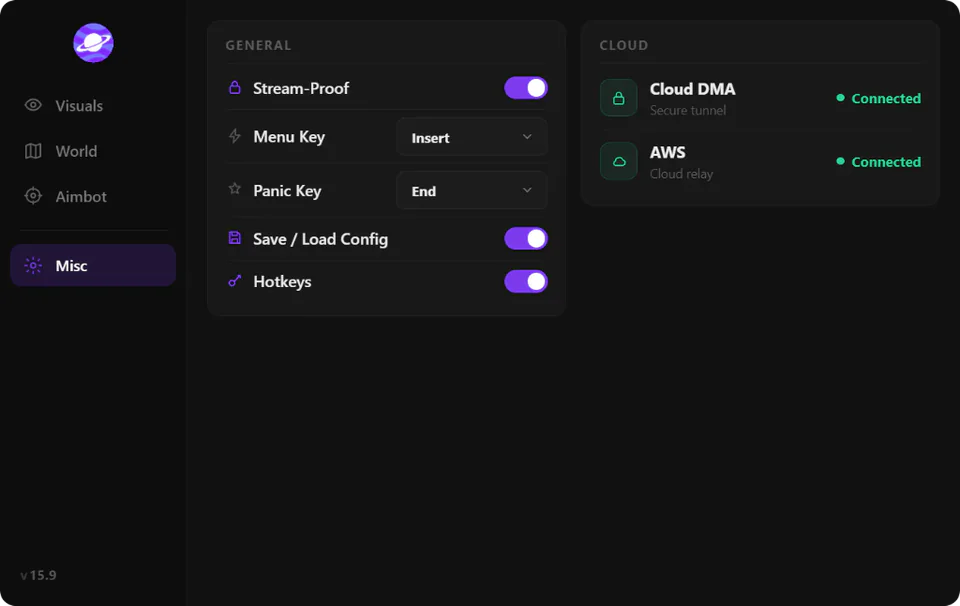
A new PC, a replaced disk, or a fresh Windows install can make a license look locked. The portal reset is the first place to look. It is a license move, not a conversation with GOOD FUN CORPORATION.
Save configs before you wipe the old drive. The preset guide covers why a local export matters. Do that first.
What the reset does not do
It does not restore a penalized HUNGER account. It does not skip Cloud DMA setup on the new machine if your products require that layer. It does not import random files from a forum. Read account risk if you were hoping a hardware change would erase a penalty. It will not.
Limits depend on the plan and on how recently you already reset. If the portal button is missing, the support checklist is your order email, the Windows version, and the reason for the hardware change. Do not post the key in public.
The separate spoofer
HWID Spoofer is a different product. The merchant lists hardware identifier changes, including disk serials, MAC addresses, GPU IDs, and related IDs, plus a cleaner. Cloud DMA is listed as required for full functionality. Administrator rights are required. Follow the current portal order. Do not invent extra steps from an old screenshot.
On the new machine, install HUNGER and let it patch. Confirm the status banner is online. Download the loader from the portal again. Follow the setup guide. If Defender flags the folder, add an exclusion for that folder only, then confirm the file is still the one from the portal.
Questions about this guide
- Does an HWID reset clear a HUNGER penalty?
- No. It moves a license between machines. It does not reverse action taken on a game account.
- Is the HWID Spoofer the same as a portal reset?
- No. The spoofer is a separate product that lists hardware identifier changes and a cleaner. Cloud DMA is listed as required for full use.
Keep reading
Utilities
Cloud DMA Software: The Single-PC Layer, Explained
What Cloud DMA software is on this site: a single-PC Hyper-V layer for HUNGER, not a second tower, with required extras sold separately.
Nov 23, 2026 4 min read
Read Cloud DMA guide
Buyer's Guide
HUNGER Cheat Buying Checklist: Modules, Status, and Delivery
A practical checklist for comparing HUNGER cheat listings: verify the module list, live status, portal delivery, and any separately required utilities.
Nov 22, 2026 4 min read
Read buyer guide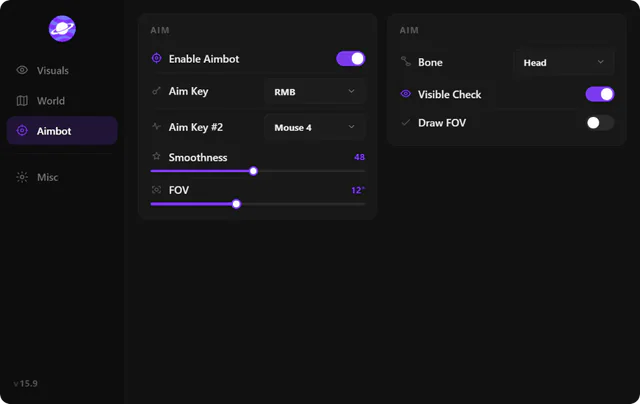
Settings
HUNGER Aimbot Settings: FOV, Smoothing, and Bones
How to tune HUNGER aimbot settings on PC: FOV, smoothing, bone selection, visibility checks, and a distance cap before a hard snap.
Nov 21, 2026 4 min read
Read settings guide